1. Login to your SolusVM Control Panel.
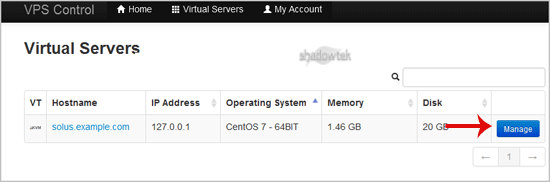
2. If you have multiple VPS, select appropriate one.
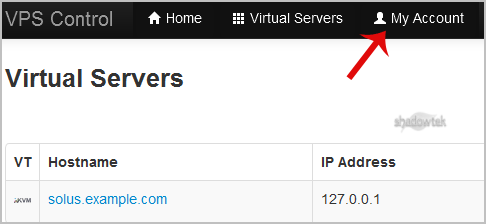
3. From the Top Bar Menu, click on "My Account"¬ù.
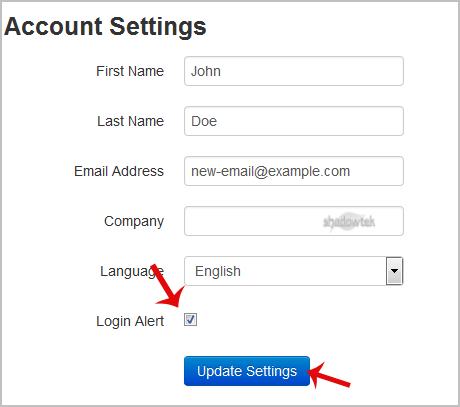
4. Under "Account Settings"¬ù you can find a "Login Alert"¬ù option. If you wish to disable it, unmark this option. Alternatively, if you want to enable it, tick mark this option.