
1. Login to your SolusVM Control Panel.
2. If you have multiple VPS, select the appropriate one.
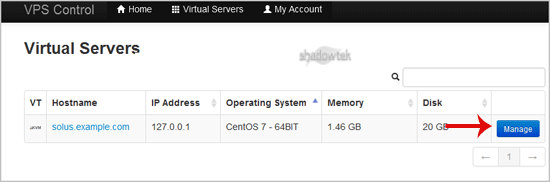
3. Scroll down and you can see a "VNC"¬ù option. Click it!

4. The new VNC page will open. Click on "Java VNC Client"¬ù or on "VNC"¬ù.

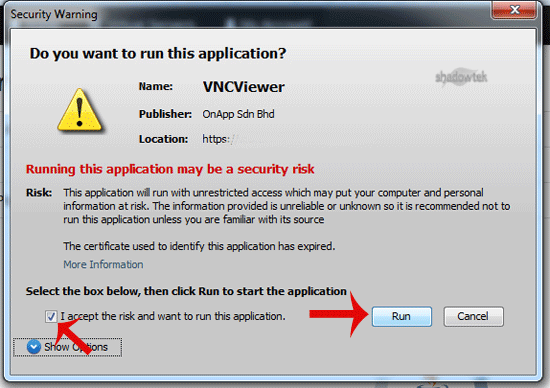
5. It will prompt for confirmation. Click "Ok"¬ù or "Continue"¬ù and it will show "Security Warning"¬ù. If it looks OK, accept it and click the "run"¬ù button.
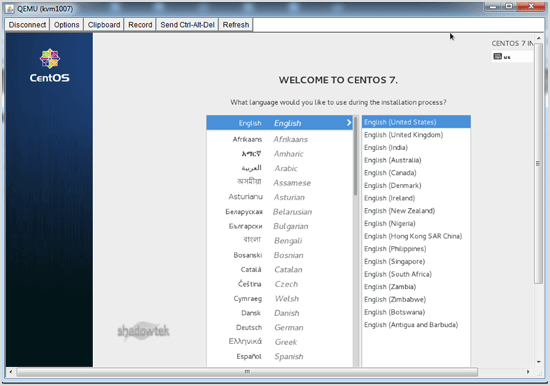
The VNC Area will resemble the following screenshot:
Note: If you get any errors like "Java Blocked"¬ù, you will need to white-list our VPS control panel domain in your Java Security List. Then it will show "Java plugin not installed"¬ù, after which you can install the Java software on your computer.
