
1. Login to your SolusVM Control Panel.
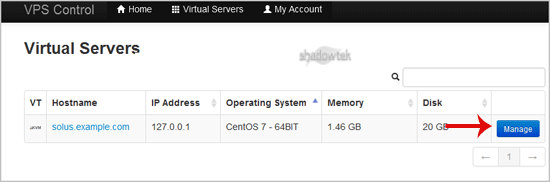
2. If you have multiple VPS, select the appropriate one.
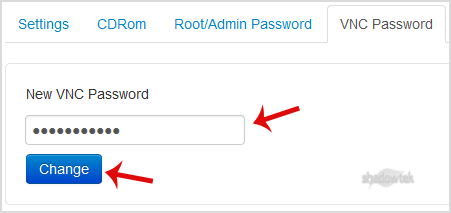
3. Scroll down, and under the "VNC Password"¬ù tab, enter your new password in the VNC text box. Then click on "Change"¬ù.
4. It will prompt for a confirmation. Click "Yes"¬ù and then reboot your VPS.
